
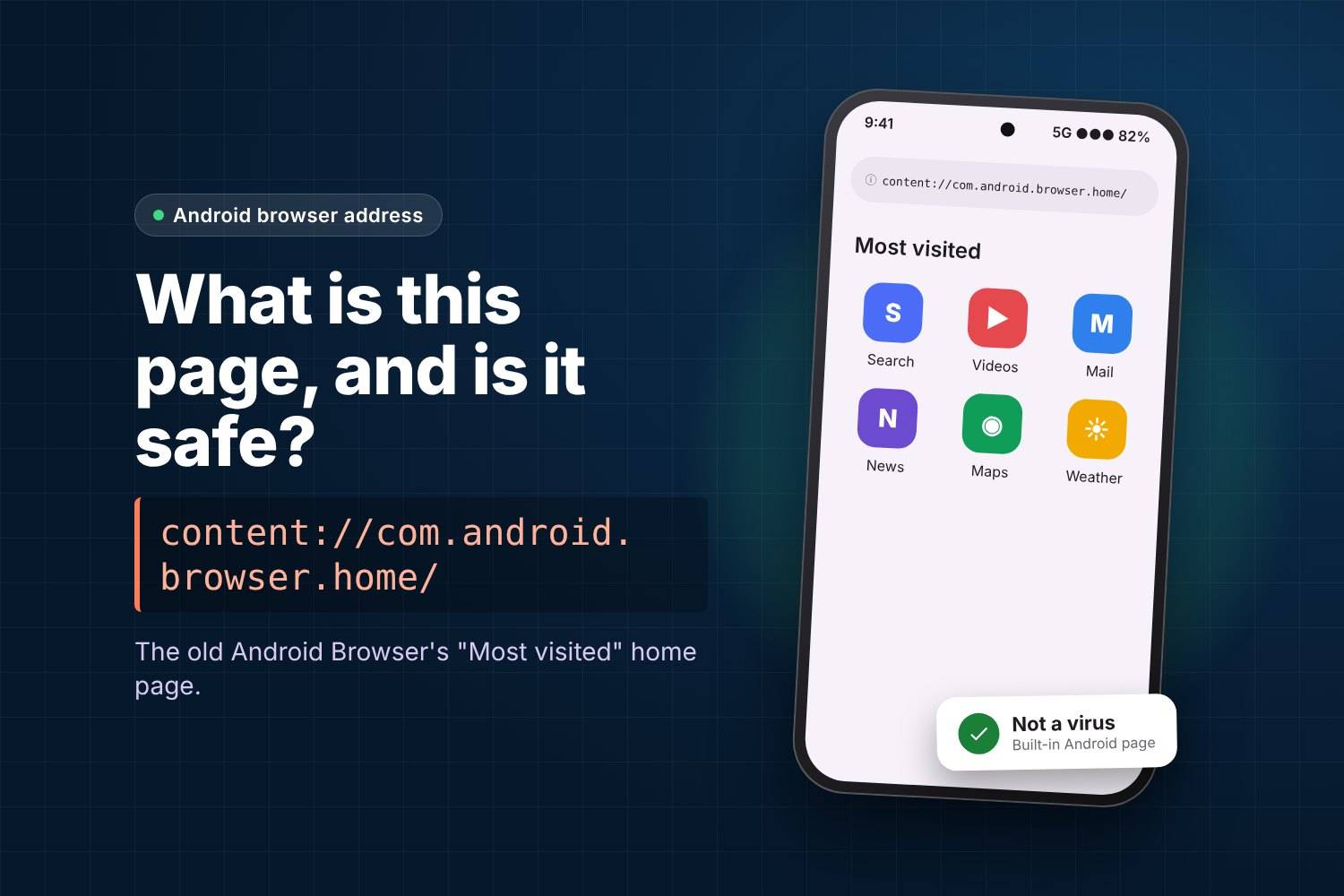
What Is content://com.android.browser.home/? Is It Safe?
Quick answer: content://com.android.browser.home/ is the internal address of the “Most visited” home page used by the old built-in Android Browser. It is not a website and it is not a virus. You usually see it when a phone, a browser or an app still has this address saved as the home page. Changing the home page in your browser settings removes it.
Many people notice it in the address bar of an older Android phone, in a browser history list, or in a “visited sites” report and wonder what it is. This guide explains where the address comes from, why it still appears and how to change it.
What does content://com.android.browser.home/ mean?
The address has two parts:
- content:// – this is not a web address. It is an Android “content URI”, which points to data inside an app on your phone instead of a page on the internet.
- com.android.browser.home – the name of the part of the old Android Browser that builds the home page.
In the Android Open Source Project code for the stock Browser app, the file HomeProvider.java defines exactly this name as its “authority” and sets content://com.android.browser.home/ as the address for the “most visited” home page. When the browser loads that address, it shows a page made on your phone from the sites you open most often.
Is it a virus or a hacked browser?
No. The address comes from Android’s own source code, released by the Android Open Source Project in 2011. It points to a page created on your device, so nothing is downloaded from an unknown website.
It is worth checking further only if something else is also wrong, for example:
- your home page keeps changing to a site you never chose,
- new tabs open adverts or pop-ups by themselves, or
- an app you do not recognise has appeared recently.
Those signs point to an unwanted app or browser extension, not to com.android.browser.home itself.
Why does it still show up on newer phones?
The old AOSP Browser has been replaced by Chrome on most phones, but the address can still appear because:
- Some phone makers kept a version of the old browser or reused its settings in their own browser.
- A home page setting was carried over when you restored a backup or moved data from an older phone.
- An app opened the default browser using the old home page address.
- History or bookmark lists still contain the address from an earlier visit.
In all of these cases, the address is a leftover setting rather than something running in the background.
How to remove it by changing your home page
Menu names differ slightly between phone brands and app versions, but the steps are similar.
Google Chrome
- Open Chrome and tap the three-dot menu.
- Tap Settings. Under Advanced, tap Homepage.
- Choose Chrome’s homepage, or select the custom option and type the site you want, for example
https://www.google.com. - Close and reopen Chrome, then tap the home button to check.
Samsung Internet
- Open Samsung Internet and tap the menu (three lines).
- Tap Settings, then Homepage.
- Pick Quick access or enter a custom address.
Old stock “Browser” or “Internet” app
- Open the browser and go to its Settings.
- Look for General or Set homepage.
- Choose a different option from Most visited sites, such as a blank page or a custom address.
If the address appears in your history, you can also clear it from the browser’s history screen.
Still opening after you changed it?
- Check which browser is the default: Settings, Apps, Default apps, Browser app. Change the home page in that browser.
- Clear the browser’s cache: Settings, Apps, choose the browser, Storage, Clear cache. This does not delete bookmarks.
- Review recently installed apps if the home page keeps changing to an unknown site.
Similar content:// addresses
Android uses many content:// addresses that can look alarming when they appear by mistake. Our guide to the AppBlock cache blank.html page covers a common one from a blocking app. If you are checking unfamiliar names in your app list, see what com.android.cts.priv.ctsshim is.
Frequently asked questions
Is content://com.android.browser.home/ safe?
Yes. It is the internal address of the old Android Browser’s “most visited” home page, defined in Android’s own source code.
Can I delete it?
There is nothing to delete. Change your browser’s home page and clear the address from history if it appears there.
Why does it open instead of Google?
Your browser’s home page is still set to the old “most visited” option. Set a new home page in the browser settings.
Does it use mobile data?
The page itself is built on your phone. The sites shown on it only load if you tap them.
Summary
content://com.android.browser.home/ is a leftover home page address from the old Android Browser. It is harmless. To stop seeing it, set a new home page in the browser you use and clear it from your history.
Sources
- Android Open Source Project: Browser HomeProvider.java
- Google Chrome Help: Set your homepage and startup page