What Is com.samsung.android.app.galaxyfinder? Finder vs Samsung Find
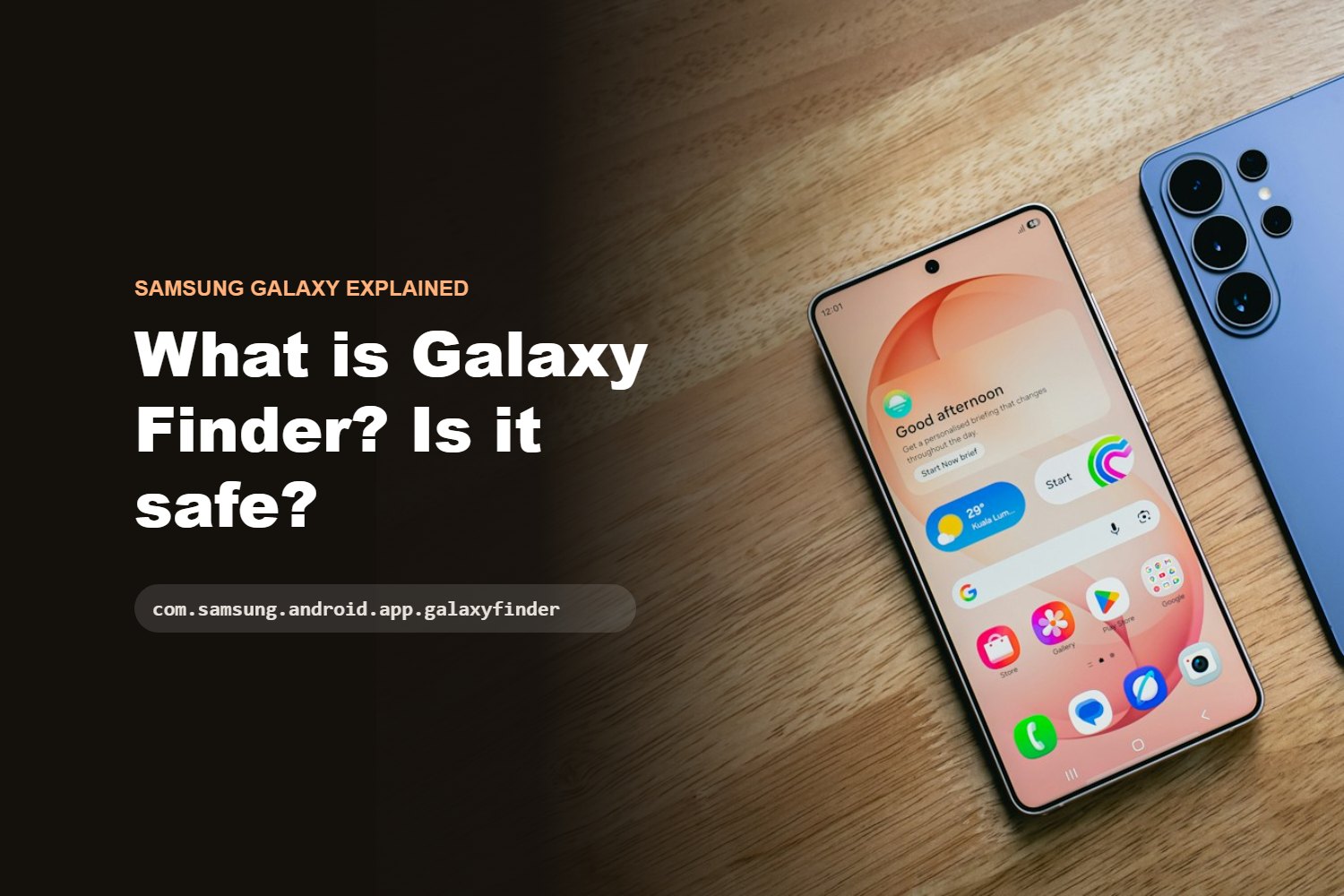
Quick answer: com.samsung.android.app.galaxyfinder is the package name of Finder, the built-in search tool on Samsung Galaxy phones. It searches your apps, settings, files, notes, calendar and messages on the phone. It is a normal Samsung system app, not a virus. It is also different from Samsung Find, which locates lost devices.
Many people see this package name in a battery report, a permission list or a “running apps” screen and wonder whether it is safe. This guide explains what Finder does, how it differs from Samsung Find and how to control it.
This guide is part of our overview of strange app names and content:// addresses on Android.
What is com.samsung.android.app.galaxyfinder?
The name is Samsung’s internal label for the Finder app:
- com.samsung.android – it is made by Samsung for Android.
- app.galaxyfinder – the Finder search app for Galaxy devices.
In the app list it usually appears as Finder (or “Buscador” in Spanish). Bayton’s public database of Android system packages lists it as a Samsung pre-installed system app, signed with Samsung’s own certificates.
What does Finder do?
According to Samsung’s support page, Finder is the search feature on Galaxy phones. It can:
- Find apps and settings when you type part of a name.
- Search inside apps such as Voice Recorder, Recorded Calls, Calendar, Notes, Reminders and My Files.
- Understand longer questions. On newer One UI versions, searches of five or more characters or full sentences use natural language.
- Show reservation cards at the top of results, using details from notifications in apps such as Messages, Gmail, WhatsApp and Wallet.
Because Finder looks inside other apps to build results, it needs many permissions. Bayton’s database has seen up to 54 declared permissions on some builds. This is expected for a system search tool and does not mean the app is spying on you.
Finder vs Samsung Find: not the same app
The names are similar, which causes confusion.
| Finder | Samsung Find | |
|---|---|---|
| Package | com.samsung.android.app.galaxyfinder |
Separate app |
| Main job | Search your phone | Locate lost devices and share location |
| What it covers | Apps, settings, files, notes, calendar, messages | People, Devices and Items (such as SmartTags) |
| Where you see it | Search bar or Finder icon | Samsung Find app with three tabs |
If you were looking for a way to find a lost phone, you need Samsung Find (or SmartThings Find), not Finder.
Is it a virus or spyware?
No. It is a Samsung system app that comes pre-installed on Galaxy phones. Two simple checks:
- Go to Settings, then Apps, show system apps and open Finder. It should show Samsung as the developer and cannot normally be uninstalled.
- Check that you did not install an app called “Finder” from an unknown website. A genuine Finder comes with the phone or updates through the Galaxy Store.
How to show or hide Finder on the Home screen
Samsung’s steps for newer phones (One UI 8.5 or later):
- Press and hold an empty part of the Home screen.
- Tap Settings.
- Turn Show Finder on Home screen on or off. On One UI 9 or later, tap Show search on Home screen first, then use the Finder switch.
Menu names can be different on older phones or in other regions.
How to control what Finder searches
- Choose apps: open Finder, tap the three-dot More options icon (or Settings on One UI 9), then Choose apps to search in and switch apps on or off.
- Turn off reservation and recall cards: open Finder, tap More options, then Settings, and turn off Personal data intelligence.
Should you disable it?
For most people, no. Finder is part of how the phone search works, and disabling it can break search on the Home screen or in Settings. Bayton’s database does not classify it as safe to remove. If you do not want it on your Home screen, hiding it with the steps above is the safer choice.
Other system names people ask about
If you are checking other unfamiliar names on your phone, see our guides to com.android.cts.priv.ctsshim and content://com.android.browser.home/.
Frequently asked questions
Is com.samsung.android.app.galaxyfinder safe?
Yes. It is Samsung’s pre-installed Finder search app, signed by Samsung.
Is Finder the same as Samsung Find?
No. Finder searches your phone. Samsung Find locates lost devices and shares your location with people you choose.
Why does Finder have so many permissions?
It searches inside many apps, such as Calendar, Notes and My Files, so it needs access to that content to show results.
Can I uninstall Finder?
Not from normal Settings. You can hide it from the Home screen instead.
How do I stop Finder showing my bookings?
Open Finder, go to More options, Settings, and turn off Personal data intelligence.
Summary
com.samsung.android.app.galaxyfinder is Samsung’s Finder search app. It is safe, it is not Samsung Find, and you can hide it or limit what it searches instead of disabling it.
Sources
- Samsung US Support: Understanding Finder on Galaxy phones
- Samsung UK Support: Features of the Samsung Find app
- Bayton Android system apps database: com.samsung.android.app.galaxyfinder