What Is com.android.cts.priv.ctsshim? Is It Safe?
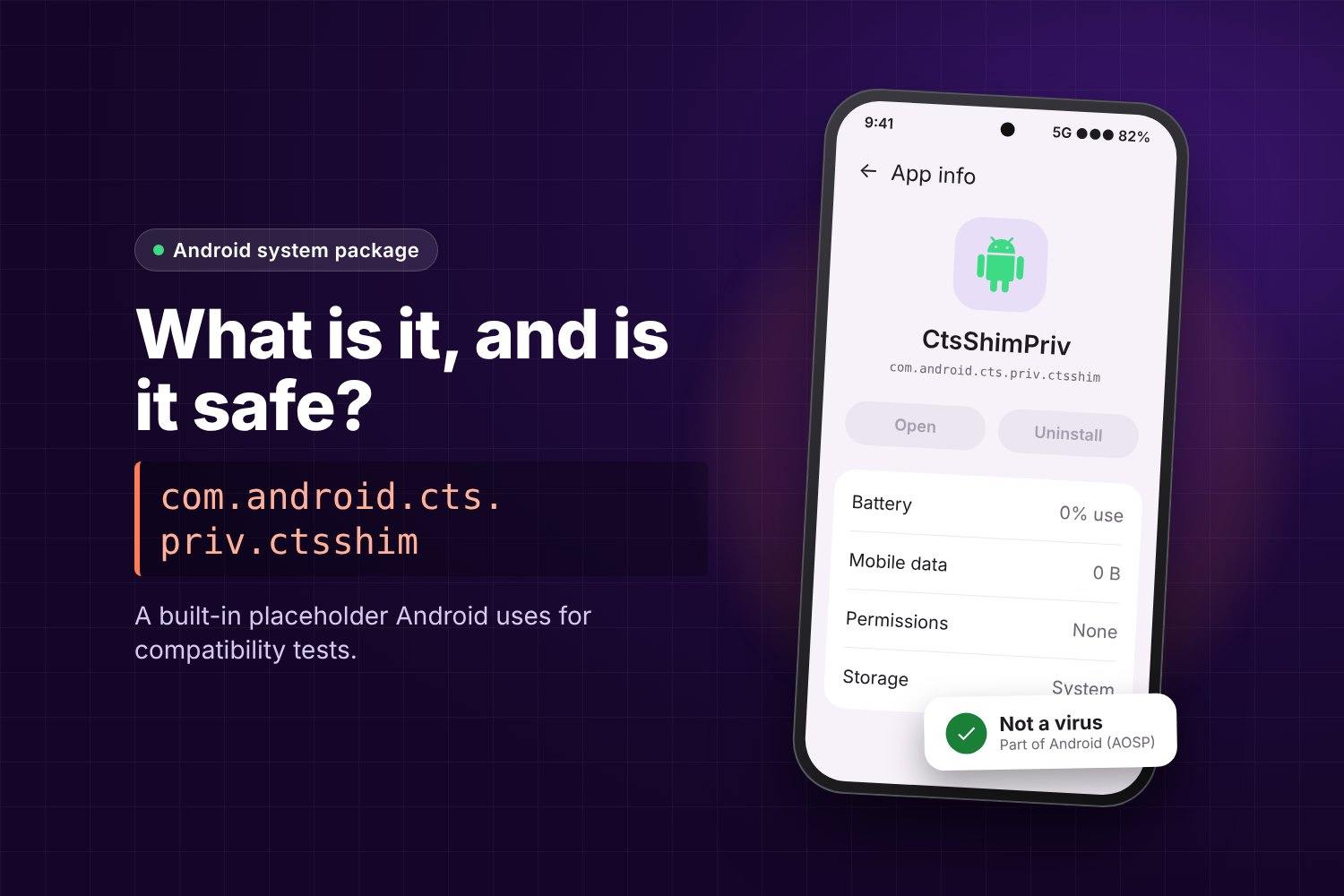
Quick answer: com.android.cts.priv.ctsshim is a small, empty system package that ships with Android. Google uses it in the Compatibility Test Suite (CTS) to check that the phone handles updates to privileged system apps correctly. It has no screen, no code that runs in the background and no access to your data. It is not a virus, and you do not need to remove it.
Most people find it while scrolling through the full app list in Settings, in a battery or data report, or in a “what apps are on my phone” scan. The name looks technical and a little suspicious, so this guide explains what it is, why it is there and what to do about it.
What does com.android.cts.priv.ctsshim mean?
The name breaks down into three parts:
- com.android – it is part of the Android operating system itself, not a third-party app.
- cts – Compatibility Test Suite, the set of automated tests a phone must pass before it can ship with Google services.
- priv.ctsshim – a “privileged shim”. A shim is a placeholder. “Privileged” means it is installed in the protected
system/priv-appfolder, where Android keeps apps with system-level status.
The Android source code describes the CTS shim as a package that sits on the system partition “in order to verify certain upgrade scenarios”. The same notes say the shim must not contain code. In other words, it is an empty box that exists so a test can try to upgrade it and confirm Android follows the rules.
Is it a virus or spyware?
No. Several things show that it is a normal part of Android:
- It is defined in the official Android Open Source Project code, in the
frameworks/base/packages/CtsShimfolder. - It is signed with the device’s platform key, like other built-in system components.
- It has no user interface and no runtime behaviour, according to Bayton’s public database of Android system packages.
- The same database has seen it on 175 device profiles from many brands, including Google Pixel, Samsung, OnePlus, Motorola and Xiaomi.
If a security app flags it, check whether the warning is about the package name only. A real threat would normally be a downloaded app with a random name, permission requests and battery or data use. The CTS shim has none of these.
ctsshim vs priv.ctsshim: what is the difference?
| Package | Where it lives | What it tests |
|---|---|---|
com.android.cts.ctsshim |
system/app |
Updates to normal system apps |
com.android.cts.priv.ctsshim |
system/priv-app |
Updates to privileged system apps |
Many phones have both. Seeing two similar names is expected and does not mean anything has been duplicated or hacked.
Why would a phone keep a test package?
The CTS checks that Android only lets a system app be upgraded by an update that is allowed to replace it. To test this, the system image needs a known, harmless app to try upgrading. The shim fills that role. Because it is part of the system image, it stays on retail phones after testing, even though you never use it.
Should you disable or uninstall it?
For most people, the answer is no. It uses no meaningful storage, runs nothing and causes no harm. Bayton’s database lists it as “disable with caution” and notes that on some builds it comes back after a system update even if it was removed.
If you still want to remove it, keep these points in mind:
- You cannot uninstall it from the normal Settings screen on most phones, because it is a system package.
- Removing system packages needs a computer and ADB (Android Debug Bridge). A mistake with ADB can break features, so only do this if you already know how to restore a package.
- Test on a phone you do not depend on first.
- Removing it does not improve speed, battery life or privacy, because the package does nothing in normal use.
How to check it on your phone
- Open Settings and go to Apps.
- Open the filter or three-dot menu and choose Show system apps. The wording differs by brand.
- Search for ctsshim. You may see one or two entries, often with a plain Android icon and no “Open” button.
- Tap the entry and check Battery and Mobile data. Both should show no use.
If you see battery or data use, or an “Open” button, the app is not the real CTS shim. In that case, check the full package name and where it came from.
Other system names people ask about
Android contains many packages with technical names that look strange in the app list. If a blank page with a long content:// address opened on your phone, our guide to the AppBlock cache blank.html page explains that case and how to fix it.
If an address like content://com.android.browser.home/ opens as your home page, see what content://com.android.browser.home/ is and how to change it.
Frequently asked questions
Is com.android.cts.priv.ctsshim safe?
Yes. It is an empty, platform-signed system package from the Android Open Source Project, used for compatibility testing.
Can I delete it?
Not from normal Settings on most phones. It can be removed with ADB, but it gives no benefit and may come back after an update.
Does it track me or use data?
No. It has no code that runs and no user interface, so it does not collect or send data.
Why did it show up after an update?
It is part of the system image. A system update can reinstall or show system packages again, including the CTS shim.
Is it only on Samsung phones?
No. It has been seen on phones from Google, Samsung, OnePlus, Motorola, Xiaomi and other brands.
Summary
com.android.cts.priv.ctsshim is a harmless placeholder that Android uses to test privileged app updates. It does not run, does not collect data and does not slow your phone down. The best action is to leave it alone.
Sources
- Android Open Source Project: CtsShim build notes
- Bayton Android system apps database: com.android.cts.priv.ctsshim