
Adobe Illustrator Free Alternative: Best Options in 2026-2027
Adobe Illustrator is the industry standard for vector graphic design, but its subscription pricing isn’t friendly for everyone. Whether you’re a student, beginner designer, freelancer, or small business owner on a budget, many capable free alternatives to Adobe Illustrator let you create vector art, logos, icons, and illustrations without paying hefty fees.
In this guide, we explore the best free alternatives to Adobe Illustrator in 2026, highlighting their strengths, limitations, and ideal use-cases.
Why Look for an Adobe Illustrator Free Alternative?
The primary reason people search for a free alternative to Adobe Illustrator is budget constraints. Illustrator requires an ongoing subscription, which may not be practical for casual users or those just starting out. In addition, many users only need basic to intermediate vector tools, making Illustrator feel overwhelming or unnecessary.
Free alternatives offer flexibility, accessibility, and enough features to handle most vector design tasks without locking users into expensive plans. These tools are perfect for logo designers, social media creators, web designers, students, and hobbyists.
Top 7 Adobe Illustrator Alternatives
1. Inkscape –The best Alternatives
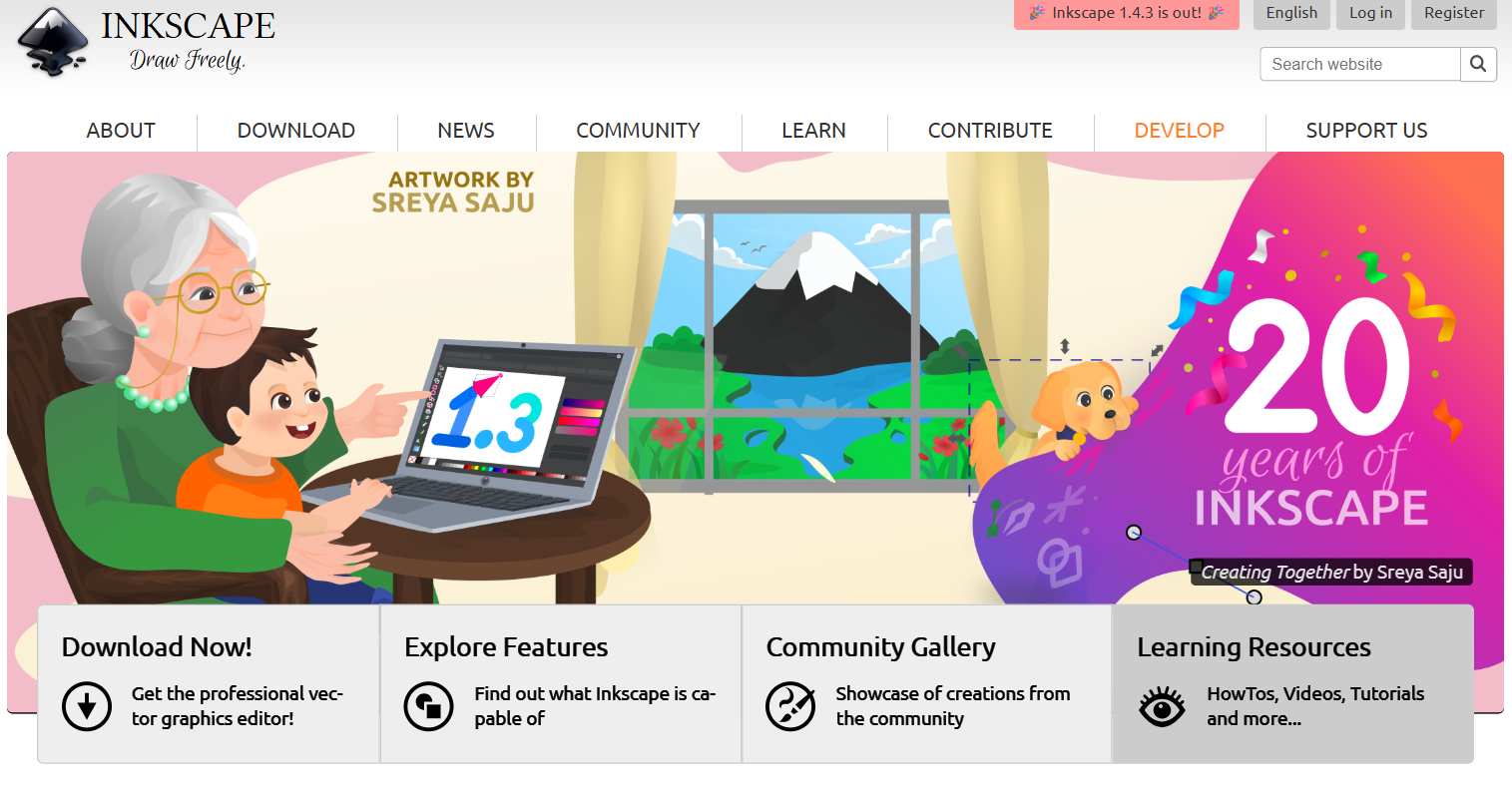
Inkscape is widely considered the most powerful free alternative to Adobe Illustrator. It is an open-source vector graphics editor that runs on Windows, macOS, and Linux. Despite being free, it offers professional-level tools that rival many of Illustrator’s core features.
Key Features
- Full SVG support
- Exports to popular formats: SVG, PDF, EPS, PNG, and more.
- Extensions and community plugins that add new capabilities
Pros
- Completely free with no restrictions
- Advanced tools that rival Illustrator’s core.
- Works offline and doesn’t require accounts
Cons
- Can be complicated for beginners
- Performance may vary on older computers.
2. Lunacy
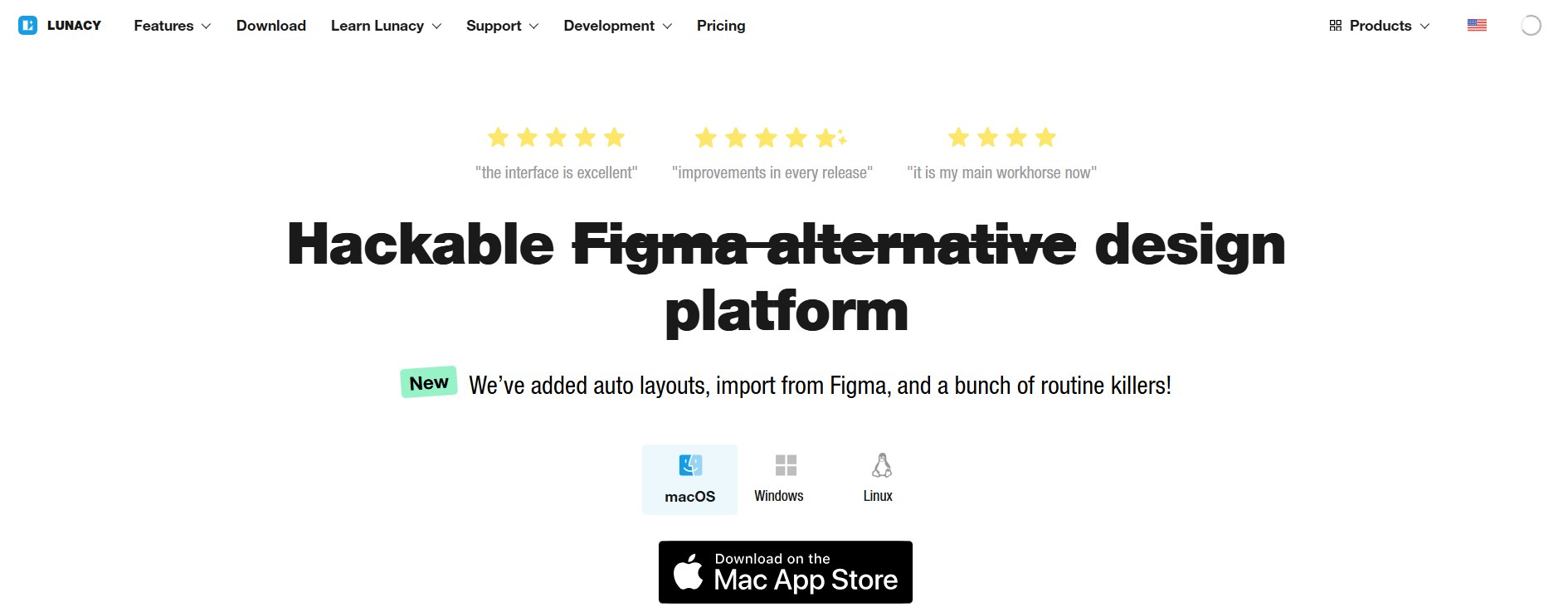
Lunacy is a free vector design application that emphasizes usability and a clean interface. It is suitable for beginners while still offering enough power for serious design tasks.
Key Features
- Clean and intuitive user interface
- Smart shapes and layer-based editing
- Built-in icons and illustrations
Pros
- Easy to learn for beginners
- Fast performance
- Built-in assets
Cons
- fewer advanced illustration tools
- Limited customization
3. Figma
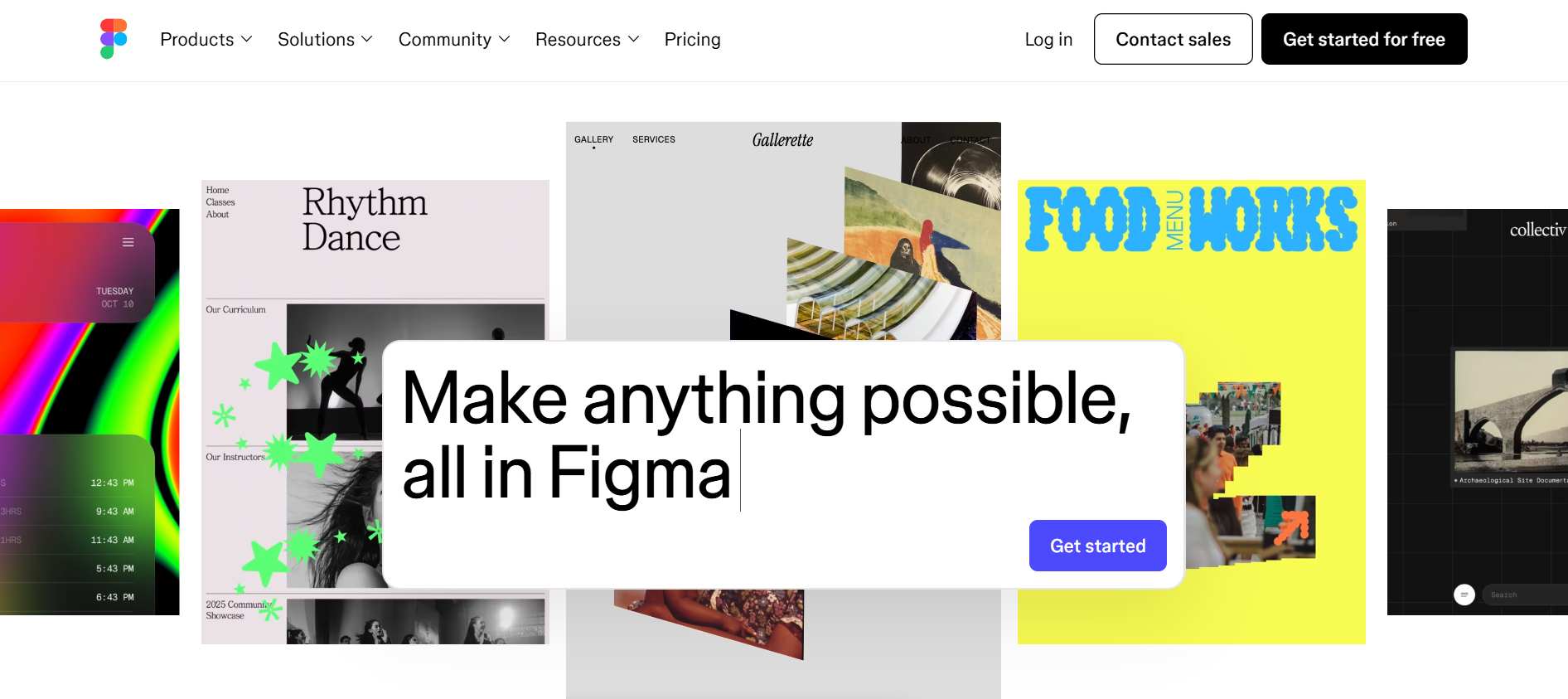
Figma is a cloud-based design platform that works entirely in the browser. Unlike traditional desktop software, it allows multiple users to work on the same design in real time. This makes it a favorite among teams and remote collaborators.
Key Features
- Browser based platform
- Real-time collaboration with multiple users
- Cloud-based storage
Pros
- No installation
- Works on all OS
- Provides free plan
Cons
- Requires an internet connection
- Less suitable for detailed illustration work
- Limited print design
4. Boxy SVG
Boxy SVG is a simple yet effective vector graphics editor that focuses on SVG design. It runs directly in modern web browsers and offers essential tools for drawing shapes, paths, text, and layers.
Key Features
- Focused SVG editing tools
- Shape, path, and text editing
- Layer and alignment controls
- Browser-based functionality
Pros
- Lightweight and fast
- Simple and easy to use
- Ideal for web-based vector graphics
- No installation required
Cons
- Limited advanced design features
- Not suitable for complex illustrations
5. Vecteezy Editor
Vecteezy Editor is a browser-based vector tool designed with simplicity in mind. It allows users to create and edit vector graphics quickly using pre-made templates, shapes, and elements. This tool is particularly useful for marketers, bloggers, and small business owners who need basic graphics without a steep learning curve.
While it lacks advanced customization options, it gets the job done for simple logos, banners, and illustrations.
Key Features
- Browser-based vector editor
- Ready-made templates and elements
- Basic shapes and typography tools
- Quick design creation
Pros
- Very beginner-friendly
- Minimal learning curve
- Great for fast marketing graphics
Cons
- Limited customization options
- Not suitable for professional illustration
6. SVG-Edit
SVG-Edit is an open-source vector editor that runs directly in your browser. It focuses entirely on SVG creation and editing, making it extremely lightweight and fast. Although its feature set is limited, it’s perfect for small adjustments, icon edits, or simple vector drawings. There’s no need to create an account or install anything, which makes it convenient for quick tasks.
Key Features
- Browser-based SVG editing
- Basic shapes, paths, and text tools
- No account or installation required
Pros
- Extremely lightweight
- Open-source and free
- Fast for quick SVG edits
Cons
- Very limited features
- Not designed for complex design projects
7. Fatpaint
Fatpaint is a web-based graphic design application that combines vector drawing with painting, photo editing, and layout tools. While it isn’t a direct Illustrator replacement, it offers enough vector functionality for casual design projects. Fatpaint allows users to work entirely online and experiment with multiple design styles in one platform.
It’s useful for creatives who want flexibility and don’t want to switch between multiple tools.
Key Features
- Vector drawing and painting tools
- Web-based design environment
- Supports illustration and layout creation
Pros
- Versatile creative tool
- No installation needed
- Useful for casual design tasks
Cons
- Not a dedicated vector editor
- Lacks precision tools for professional work
Final Thoughts
In 2026, you no longer need to pay for expensive software to create professional vector designs. With powerful free Adobe Illustrator alternatives like Inkscape, Figma, and Lunacy, designers at all levels can produce high-quality artwork without the need for subscriptions.
Each tool offers unique strengths, from advanced illustration capabilities to ease of use and collaboration. By understanding their features, pros, and cons, you can confidently choose the best free vector design software that fits your workflow and creative goals.
Frequently Asked Questions (FAQs)
1. Which free Adobe Illustrator alternative is best for beginners
- Lunacy
- Vecteezy
- Browser
2. Can free Illustrator alternatives be used for professional works?
Figma is widely used in professional UI and UX illustrations, but output quality depends more on skill than software cost.
3. Are browser-based Illustrator alternatives safe to use?
Yes, most well-known tools secure cloud environments and they do not require software installation, in turn reducing systems risks.